18. Main menu, mission, settings and controls
Translated from the Finnish manual (manual/fi); the Finnish text is authoritative.
Matches version: 0.7-dev (phase 7, 2026-10-27). Status: the menu, mission page, settings, controls page, coach mode flight list and multiplayer work with mouse, keyboard, gamepad and radio.
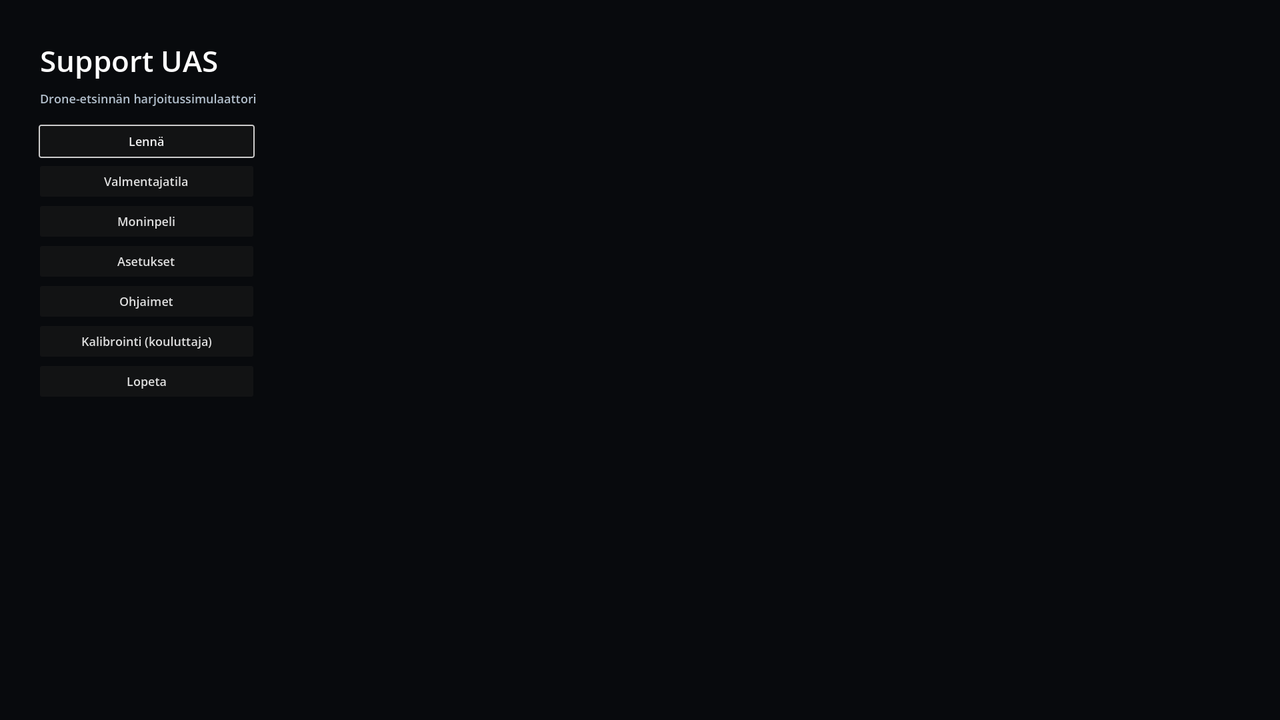
The game opens in the main menu: Fly, Coach mode, Multiplayer, Settings, Controls and Quit. Esc returns from a subpage to the main menu.
Language
In Settings the language is suomi or English. Every text in the game changes at once: menus, HUD, radio messages, briefing, summary and planning map. This manual is also in English (manual/en/; the Finnish one is authoritative). Logs, GPX files and saved scenarios are always in Finnish. In multiplayer everyone reads the radio messages in their own language.
Mission (Fly)
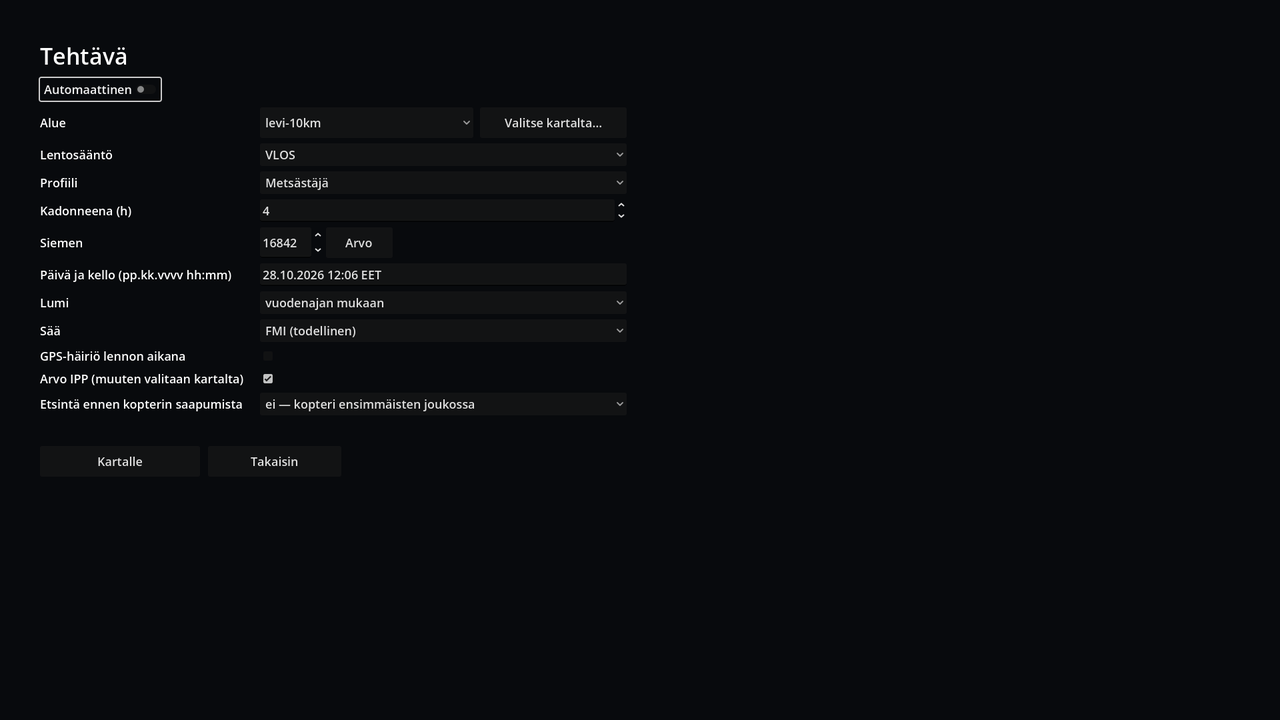
At the top is the switch Automatic:
- Automatic: the IPP is drawn on a road, path, track or yard anywhere in the selected area (not all missions start at home or at a relative's place: also at a trailhead, a car park or on a forest road), the time is now, the weather is fetched from FMI (Finnish Meteorological Institute), the profile is chosen by season (no berry pickers in January) and the missing time from the profile's range. The seed is new every time.
- Manual: a form for everything the planning map keys set: profile, missing for (h), seed (Draw button), date and time (
pp.kk.vvvv hh:mm, Finnish time), snow (by season / snow / no snow), weather (FMI / manual / season model; in manual mode wind, direction, cloud cover, visibility, precipitation and temperature), GPS fault, "Draw the IPP" (otherwise the IPP is picked by clicking on the map) and Search before the drone arrives: none (the drone is among the first, as usual) or 2, 4 or 8 h. With the latter the drill starts mid-search: the earlier periods have been run, some segments are already searched, teams are in the field and their tracks are in the snow, and what relatives have said so far is in the briefing. The missing time is at least the search time + 1.5 h. An automatic mission draws this (half the time none, otherwise 2 or 4 h).
In both you choose the area (terrain package) and the flight rule (VLOS, E-VLOS, BVLOS). Pick on the map… opens a map of Finland where the area can be chosen, copied from the library or built new (chapter 14). To the map opens the planning map, where everything can still be changed with the familiar keys; Enter starts the flight. The form is remembered for next time.
Settings
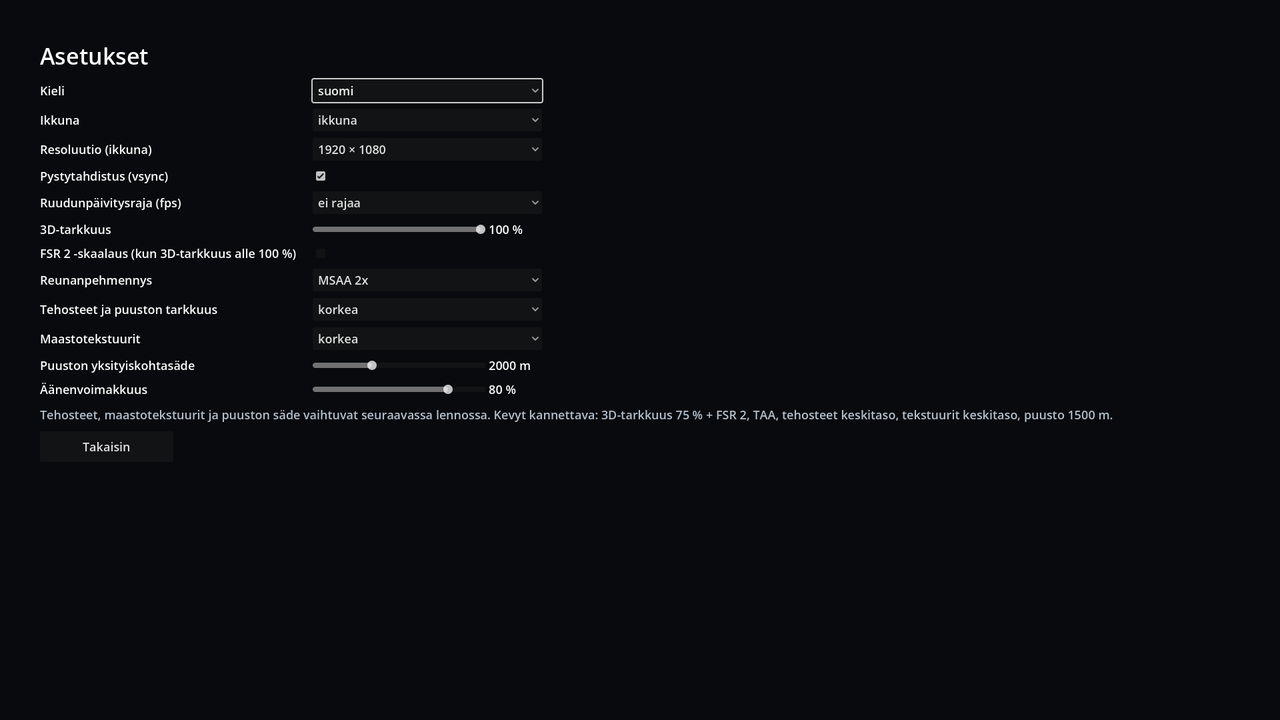
| Setting | Options | When it takes effect |
|---|---|---|
| Window | windowed / fullscreen / borderless fullscreen | at once |
| Resolution (windowed) | 1280×720 … 3840×2160 | at once |
| Vertical sync (vsync) | on / off | at once |
| Frame rate cap | no cap, 30, 60, 120, 144, 240 | at once |
| 3D resolution | 50–100 % | at once |
| Ground textures | high / medium / low (size 1, ½, ¼) | next flight |
| Tree detail range | 1000–4000 m | next flight |
| Volume | 0–100 % | at once |
A good start for a light laptop: 3D resolution 75 %, textures medium, trees 1500 m. Settings are saved in the file settings.json in the game's user folder.
Controls
On the left is every flight function with its key. Click a function and press the new key (Esc cancels). If the key was already on another function, it moves and the page says which function it was taken from. Default keys restores everything. The in-flight key guide (Esc) always shows your own keys. The keys of the menu, planning map, coach mode and instructor are fixed.
On the right you choose the controller (automatic: radio first, then gamepad; keyboard only; or a specific device) and, for each axis separately, the channel and inverted, for both the radio and the gamepad. A bar shows the axis movement at once. Calibrate radio opens the same calibration as in flight (K). An old input_map.json is moved into the settings automatically.
Coach mode and multiplayer
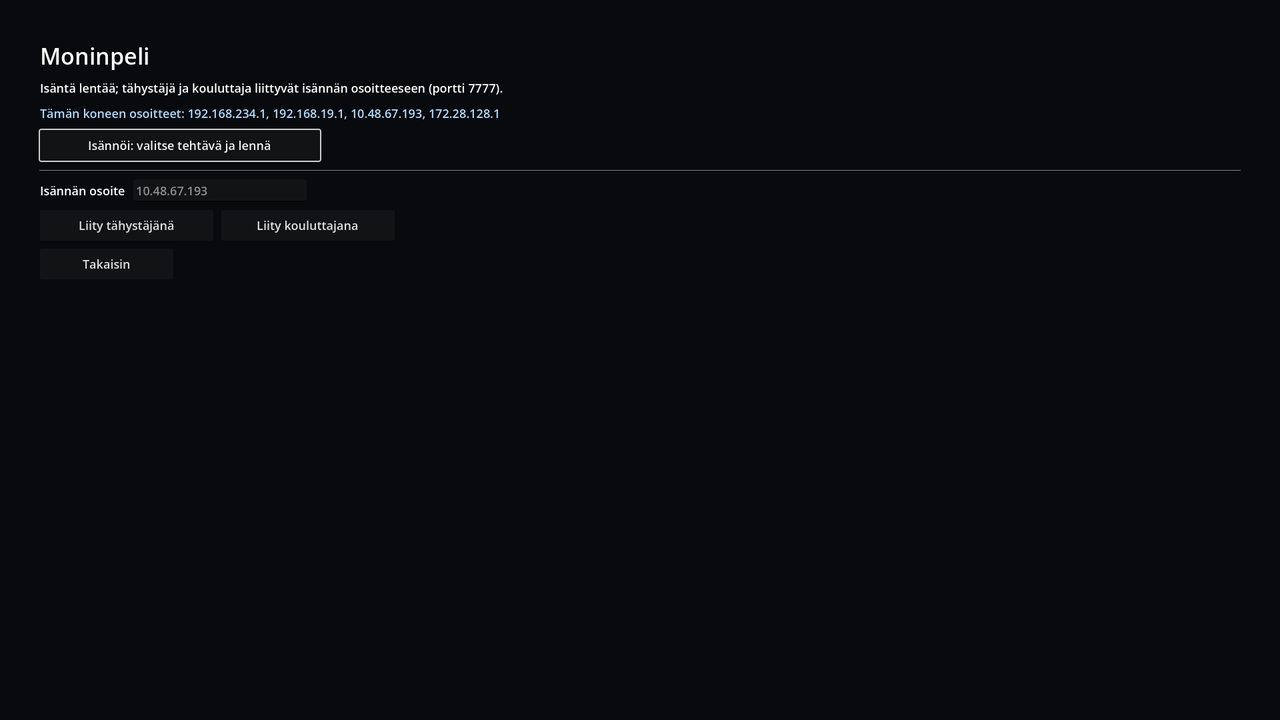
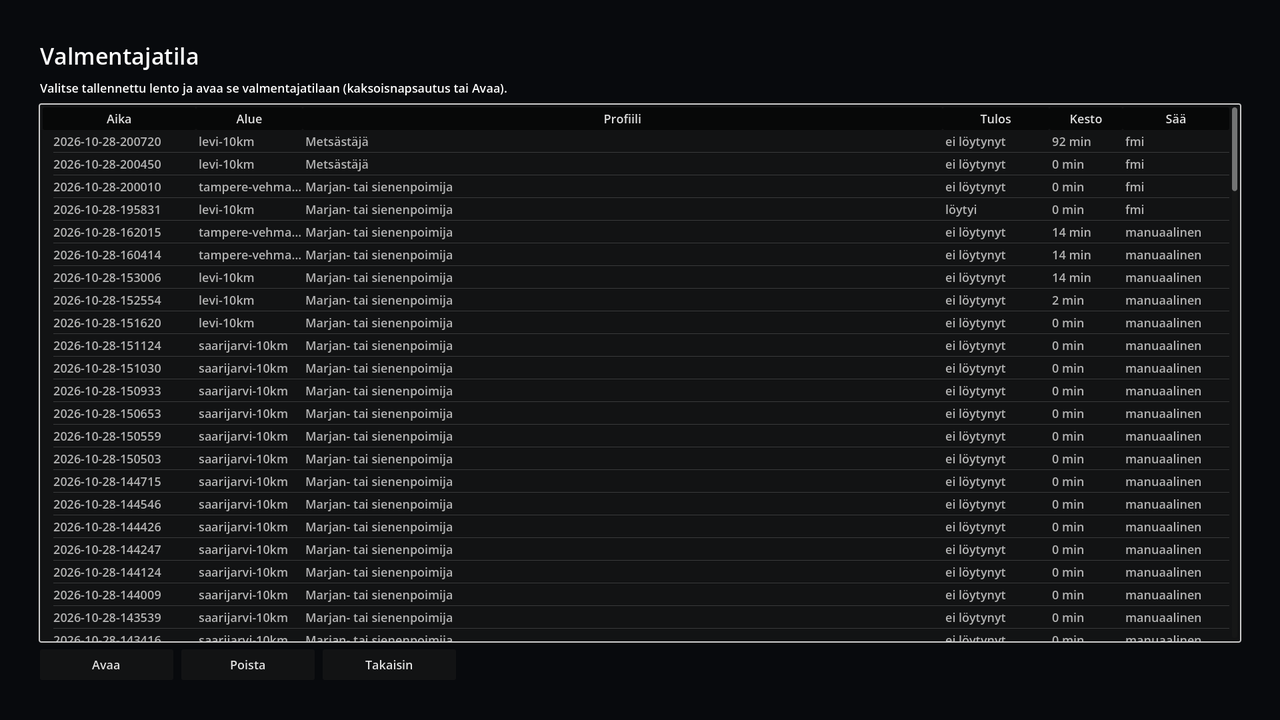
Coach mode lists the saved flights (time, area, profile, result, length, weather); double-click or Open opens a flight. Delete deletes the selected flight's recording after confirmation (only the coach-mode recording; the GPX, scenario and picture files exported to Documents stay). Multiplayer shows this machine's addresses; Host takes you to the mission page and to fly as host, and with the host's address you can join as observer or as instructor. The last address used is remembered.
Menu with a gamepad or radio
Gamepad: left stick or D-pad moves, A selects, B goes back. During a flight B opens the pause menu.
Radio (TX16S): the right stick moves (hold to repeat), SH selects and SG down goes back; during a flight SG opens the pause menu. SH and SG must be added to the SIM model's mixer: CH8 = SH and CH9 = SG. The channels and direction (inverted) can be changed on the Controls page.
During a flight the sticks fly the aircraft and do not move the menu; the menu follows them only when the pause menu is open.
Map (Pick on the map…): when the map is selected (blue border and crosshair in the middle), the stick moves the map and the triggers (on the radio the left stick vertically) zoom. A / SH selects the point under the crosshair, B / SG moves to the side panel's buttons.
On the planning map A / SH starts the flight (like Enter); in the summary A / SH or B / SG closes it.
Fast-forward
See chapter 10: full stop (.) speeds up mission time 10× or 60× when the aircraft is on the ground with the motors stopped.