14. Your own area: building a terrain package from NLS data
Translated from the Finnish manual (manual/fi); the Finnish text is authoritative.
Matches version: 0.7-dev (2026-10-27). Status: picking the area on the map, building, and copying from the library work.
The training area is a terrain package: a 10 × 10 km (or 5 × 5 km) tile with a 2 m elevation model, an orthophoto, a winter image and terrain classes. Packages are made from the open data of the National Land Survey of Finland (NLS) and the Natural Resources Institute Finland (Luonnonvarakeskus).
Library and this machine
- The library is a shared package folder, initially Varasto (
\\verkkolevy\Varasto\support-uas\data\tiles). Orange tiles on the map. - On this machine are your own builds and packages copied from the library (
data/tilesin the game's user folder). Blue tiles on the map. A copy works without the network drive, for example on a laptop in the field.
Picking the area on the map
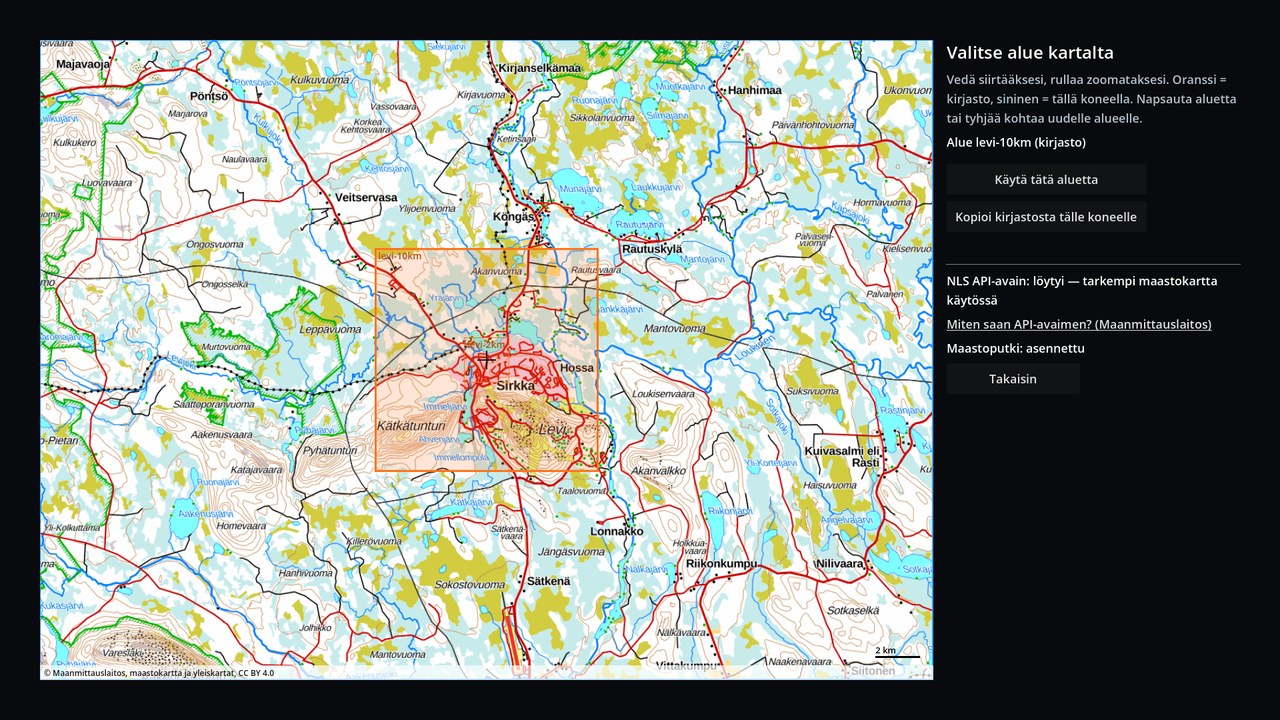
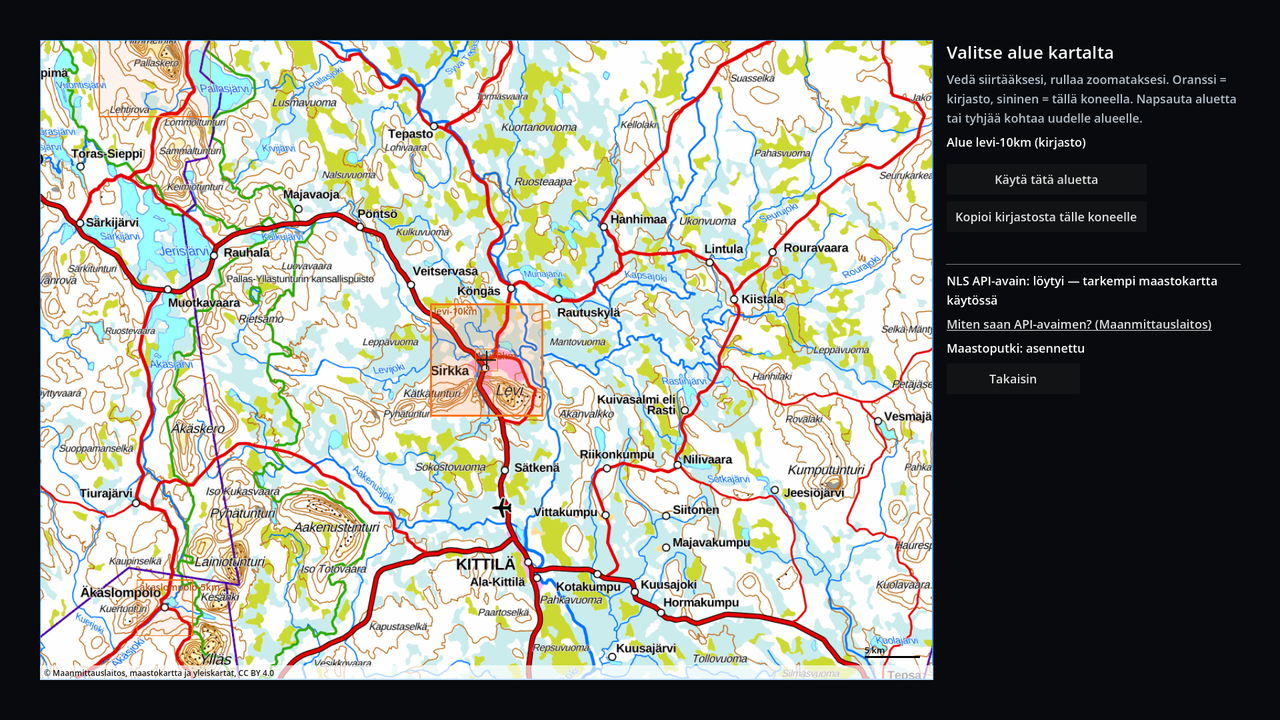
On the mission page, Pick on the map… opens a map of Finland:
- drag to pan, scroll to zoom; scale bar in the bottom right corner
- the base map works without a network connection or a key: the NLS general map 1:1 000 000 from far out, the topographic map 1:500 000 and 1:250 000 closer in
- with an API key zooming continues into the NLS topographic map down to about 1 m / pixel (a network connection is needed; downloaded tiles stay on the machine for a week)
- click a tile and Use this area, or Copy from the library to this machine
- click an empty spot: a yellow tile shows the new area. Give it a name (lower-case letters, digits, hyphens), choose the size and Build the area. Building takes about 5–15 minutes; progress is shown on the page (elevation model and aerial image → winter image → terrain classes), and it can be stopped. The finished area appears in the library and can be chosen straight away.
Building requires the terrain pipeline and an API key (chapter 1: tools/install-pipeline.ps1 or .sh). The map's side panel tells whether they were found, and the link How do I get an API key? (National Land Survey) opens the NLS instructions (<https://www.maanmittauslaitos.fi/rajapinnat/api-avaimen-ohje>).
From the command line
pipeline/.venv/Scripts/python.exe pipeline/make_tile.py --name pallas-10km --lat 68.045 --lon 24.070 --size 10000
pipeline/.venv/Scripts/python.exe pipeline/make_tile.py --name oma-alue --east 376500 --north 7549000 --size 5000
Completed steps are skipped; --refresh redoes them.
Building the base map (maintainer)
The map's offline base is built once and shipped with the game:
pipeline/.venv/Scripts/python.exe pipeline/make_basemap.pyThe sources are the NLS open raster maps (topographic map raster 1:250 000 and 1:500 000, general map raster 1:1 000 000) from CSC's Funet mirror; no key is needed. The tiles follow the NLS's own ETRS-TM35FIN grid, so the topographic map available with a key continues from the same tiles to more detailed levels.
Sources and licence
National Land Survey of Finland: 2 m elevation model, orthophoto, Topographic Database (Maastotietokanta), topographic map and general maps; Natural Resources Institute Finland: MVMI 2023. All CC BY 4.0. The attribution is shown at the bottom of the map and in each package's tile.json.